

Replacing a Mobile Phone Battery
Can you replace a phone battery yourself?
Some phones are designed to make battery replacement difficult. Others can be opened with the right tools, patience and replacement parts.
This project documents one practical battery replacement so you can understand the process before deciding whether it is suitable for you.
Before you start
```- Check your phone model carefully before purchasing a replacement battery.
- Do not use a damaged, swollen or punctured lithium battery.
- Work on a clean, non-flammable surface.
- Keep metal tools away from exposed battery contacts.
- Follow the battery manufacturer's safety instructions.
- If the battery is swollen, damaged or difficult to remove, stop and consider professional repair.
Important: Lithium-ion batteries can be hazardous if punctured, crushed, overheated or short-circuited. Take your time and do not force the battery or tools.
```What I used
These are the tools and parts I used for this project:
-
```
- Hot-air gun — Check price on Shopee
- Replacement battery — Check price on Shopee
- Precision screwdriver set — Check price on Shopee
- Phone adhesive — Check price on Shopee
- Isopropyl Alcohol (IPA) — Check price on Shopee
- Thin plastic strip, under 1 mm thick, approximately 6 cm × 2 cm
- Microfibre or lint-free cloth
Step 1 — Switch off the phone
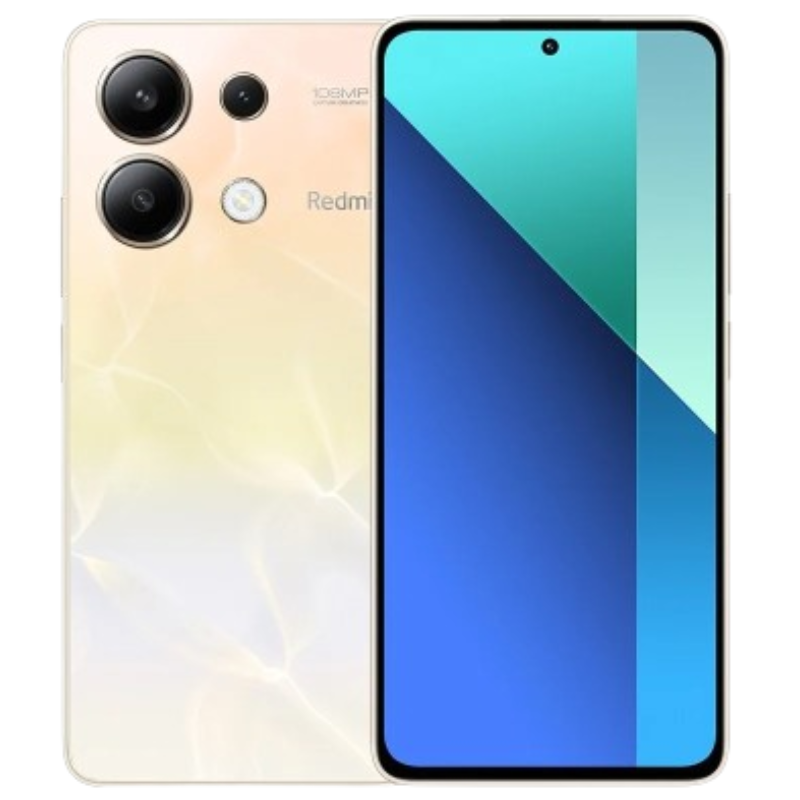
Completely power down the phone before opening it.
Step 2 — Open the phone
Carefully loosen the rear cover using the appropriate tool.
In my case, I used a hot-air gun around the rim of the back cover to soften the adhesive. Keep the heat moving rather than concentrating it in one spot.
I moved the hot air around the perimeter approximately 10–30 times, keeping the gun about 3 cm above the cover. I then carefully inserted a thin plastic strip underneath the cover and worked it around the edge to separate the softened adhesive.
Take care not to insert the plastic strip too deeply. Internal components, cables and the battery may be located close to the rear cover.
Tool used: Hot-air gun on Shopee
Step 3 — Disconnect the battery
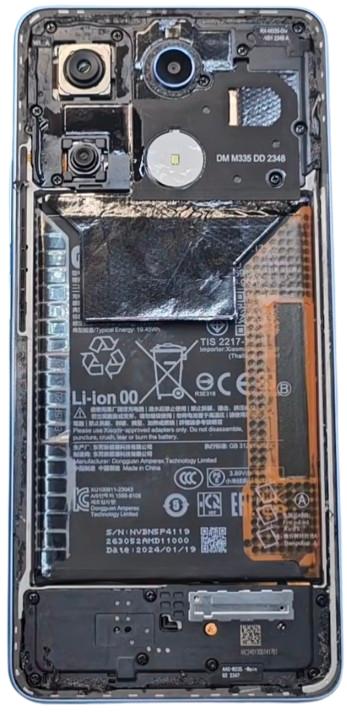
Locate the battery connector and disconnect it before attempting to remove the battery.
If you are unfamiliar with the phone's internal layout, refer to a repair guide or video for your exact phone model.
For the full procedure, I watched this video: [Watch the YouTube video]
Step 4 — Remove the old battery
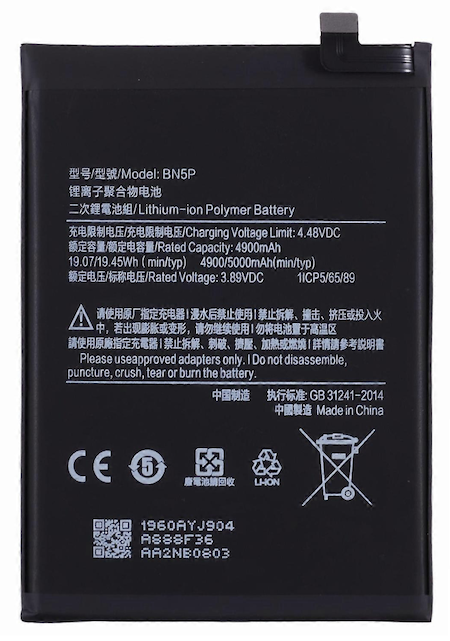
Apply only the appropriate method for the battery and phone design. Some batteries are held in place with adhesive strips, while others may use different mounting arrangements.
Do not bend, puncture, crush or pry aggressively against the battery. If the battery does not release safely, stop rather than forcing it.
Tool that may be useful: Isopropyl Alcohol (IPA) on Shopee
Step 5 — Install the replacement
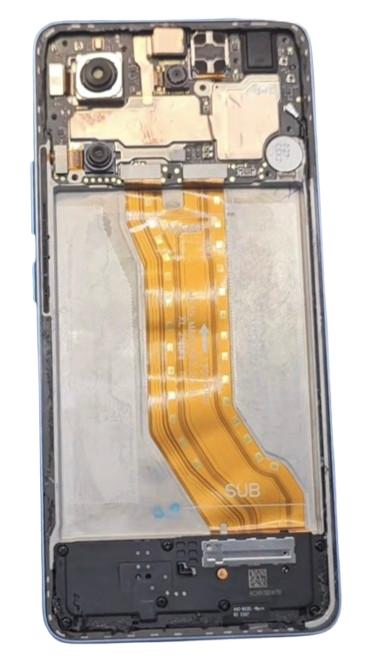
Clean the appropriate surfaces if necessary and install the replacement battery in the correct position.
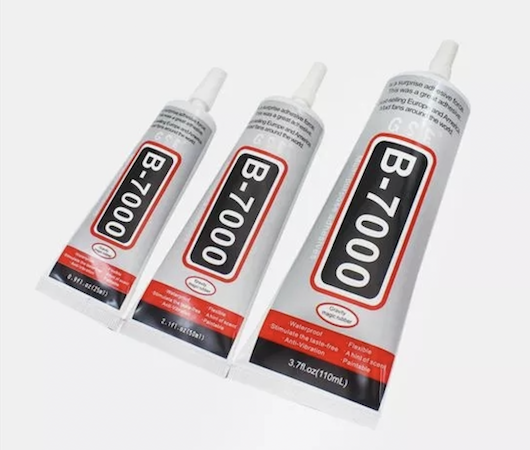
Apply suitable phone adhesive according to the adhesive manufacturer's instructions. Make sure the battery is seated correctly and that no cables or components are trapped.
Reconnect the battery connector carefully.
Replacement battery: View replacement battery options on Shopee
Phone adhesive: View phone adhesive on Shopee
Step 6 — Test
Power on the phone and check:
- Phone starts normally
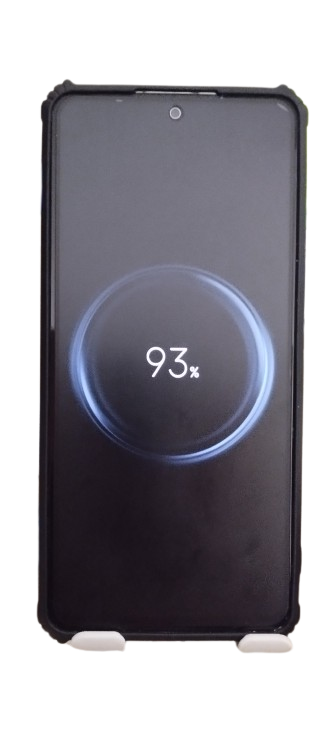
- Battery percentage is displayed correctly
- Charging works normally
- Touchscreen and other functions work normally
- There are no unusual messages, heat or battery behaviour
What I learned
The replacement itself was not necessarily the difficult part. The most important part was having the correct tools, replacement battery and adhesive before starting.
Having the right plastic pry tools also made the process much easier and reduced the temptation to use excessive force.
Would I do it again?
In my case, doing the replacement myself saved approximately $30–$40 compared with having it done by a repair shop.
The next improvement I would make
Having a large micro-fibre cloth or silicone sheet to lay the phone during work will reduce surface scratches to the polished plastics and keep the phone firmly in place instead of sliding all over. Keep things tidy and orderly helps complete the task quickly and efficiently. Another tip: get clear phone glue instead of black glue; extra glue squuezed out around the cover will appear seamless and not having to clean the visible black clumps of glue along the grooves of the cover. The more you practice, the more refined and confident you will become and the work shines. Happy DIY!
Tools & Parts Used
If you're planning a similar repair, here are the items used in this project:
Always follow the manufacturer's instructions and appropriate safety precautions.